

Latest Version
Satvik Patwardhan
Communication
Linux
Free
net.codelogistics.webapps
Report a Problem
More About Web Apps
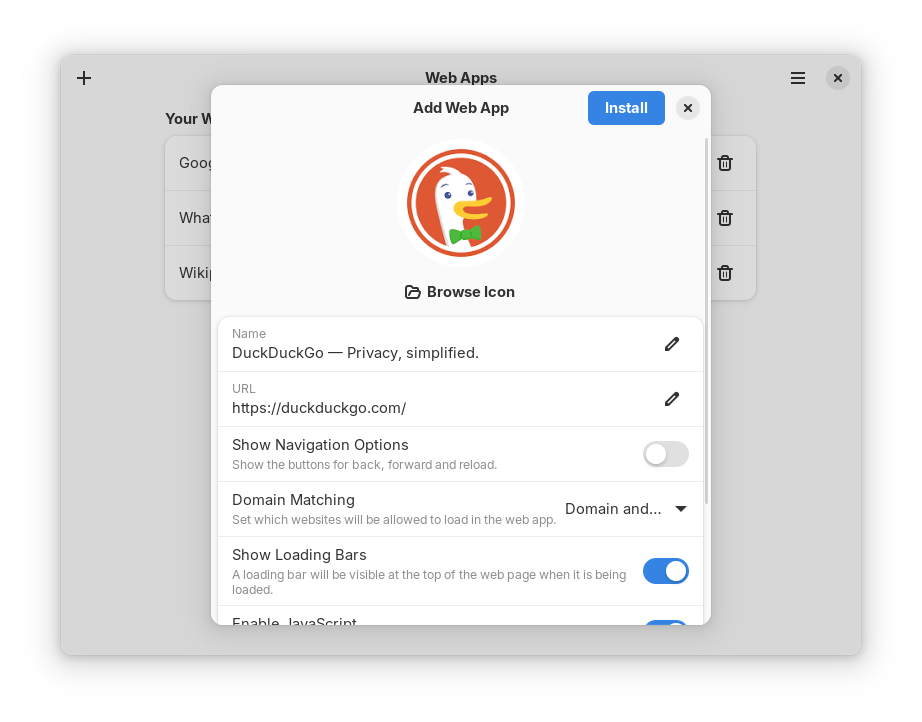
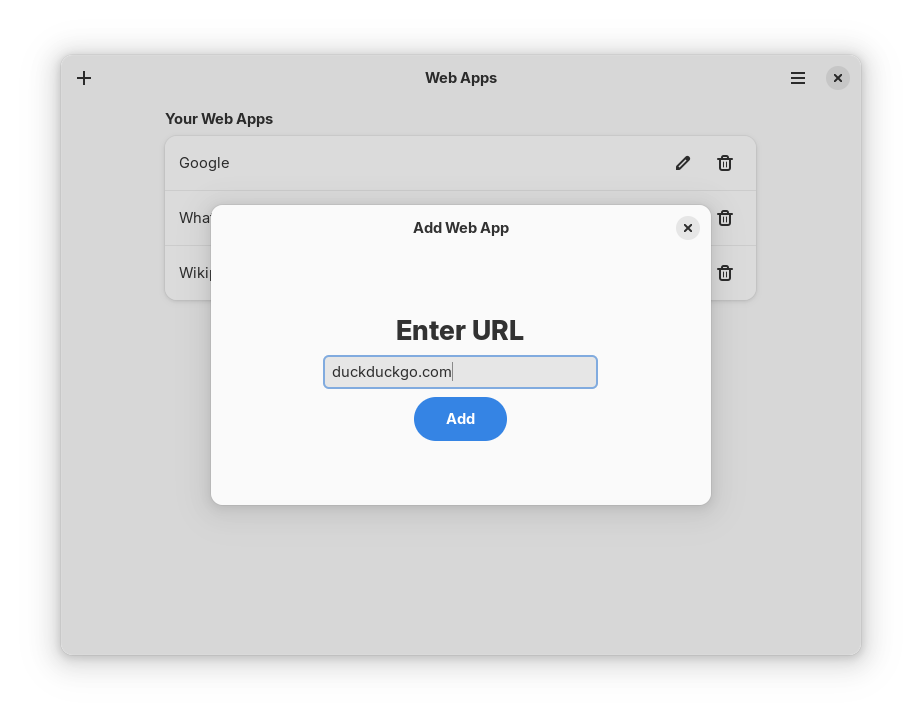
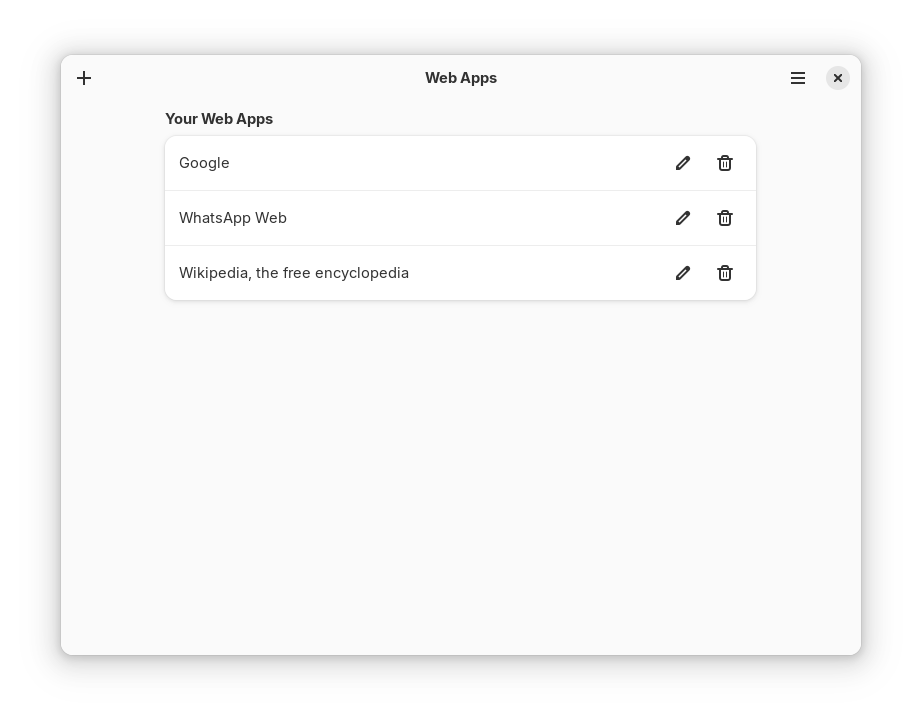
Imagine launching your favorite online tools directly from your application menu, completely separated from your main browser tabs. The Web Apps Linux utility does exactly that, allowing you to install websites as desktop apps so they run in their own dedicated, distraction-free windows. Developed by Satvik Patwardhan, this lightweight tool is designed specifically for Linux users who want to declutter their workspaces and treat essential web services like native desktop programs.
How the Web Apps Linux Utility Enhances Your Workflow
Many modern professionals spend their entire day inside web-based communication platforms and project management tools. Running these services inside a traditional browser often leads to tab clutter and accidental closures. By using the Web Apps Linux utility, you can isolate these critical portals into standalone windows. This behavior mimics the popular "Install as App" feature found in mainstream web browsers but packages it into a dedicated system tool.
Key Features of the Software
- Isolated Browser Environment: The application utilizes an internal browser engine that is completely sandboxed from your main system browser, keeping your primary browsing history and cookies separate.
- Optional Incognito Mode: For enhanced privacy, you can configure individual web applications to launch in private browsing mode automatically.
- Smart Link Handling: To prevent you from navigating away from your designated app workspace, any external links clicked within the application will automatically open in a new external browser window.
- Clean Desktop Integration: Each created app gets its own window controls, launcher icon, and system presence, making your web-based communication tools feel like native Linux software.
An Important Setup Note for Ubuntu Users
If you are running this utility on Ubuntu, you may encounter an upstream system bug related to the sandbox configuration that prevents the application from launching correctly. Fortunately, a straightforward workaround is available. Users can resolve this issue by reviewing the official documentation and community discussions on the project's issue tracker via Codeberg, which outlines how to adjust the Bubblewrap permissions on Ubuntu 24.04 and newer releases.
Is the Web Apps Linux Utility Right for You?
If you are a Linux user who relies heavily on web-based communication platforms, productivity suites, or collaborative tools, this application is an excellent addition to your desktop. It bridges the gap between web services and native software without the resource overhead of running multiple heavy browser profiles. By keeping your workspace organized, it helps maintain focus and streamlines multi-tasking.
To try this utility on your own system, head over to the official Flathub store page to view the installation details and add the Web Apps Linux utility to your desktop setup.
Rate the App
User Reviews



Popular Apps










Editor's Choice