Latest Version
Alfons Schmid
Tools
Mac
$43.99
1449826029
Report a Problem
More About Notebooks: Write and Organize
While many productivity tools force you to choose between a dedicated text editor, a task manager, or a personal wiki, Notebooks: Write and Organize takes a refreshingly unified approach. Developed by Alfons Schmid for the Mac platform, this premium utility is built to eliminate app-switching by housing your entire intellectual pipeline in a single, deeply integrated workspace.
The Standout Feature: Complete File Ownership
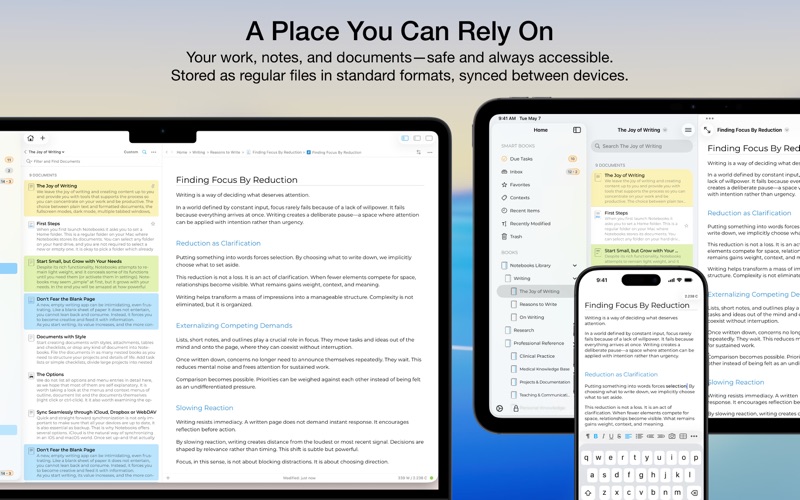
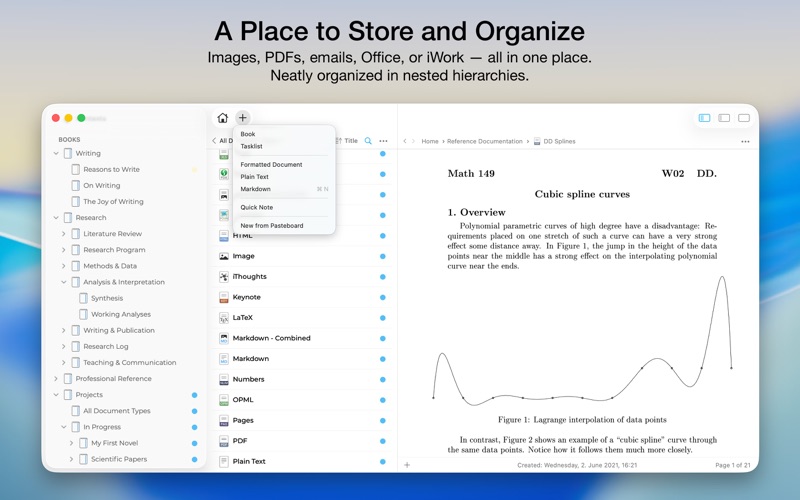
What sets this app apart from cloud-dependent alternatives is its commitment to data sovereignty. Notebooks: Write and Organize stores all your documents as standard, regular files in native formats. There are no proprietary databases, no lock-in mechanisms, and no export headaches. Your nested books and folders correspond directly to directories on your local storage, ensuring your intellectual property remains fully accessible across different devices and over time.
A Multi-Faceted Writing Environment
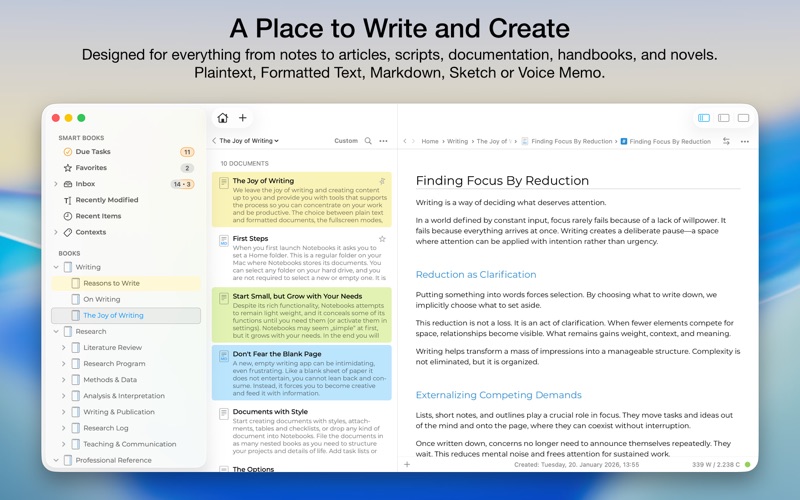
Whether you are drafting a quick memo or compiling a multi-chapter manuscript, the writing interface scales to meet your workflow requirements. Writers can choose between three distinct formats:
- Formatted Text (WYSIWYG): Create visually polished documents complete with custom styles, nested tables, checklists, and automated tables of contents.
- Plain Text: A minimalist, distraction-free environment featuring automatic character pairing and smart list management.
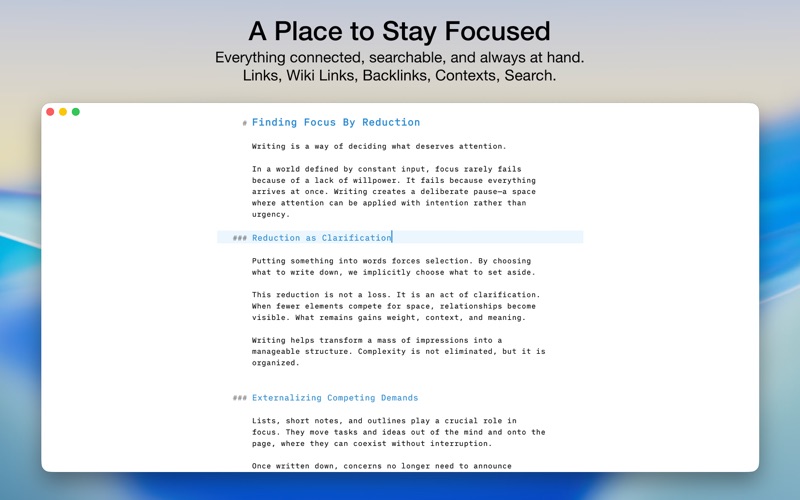
- Markdown: Full support for MultiMarkdown and Discount, complete with syntax highlighting, dedicated keyboard shortcuts, interactive checklists, and wiki-style linking.
Integrated Task Tracking and Wiki Links
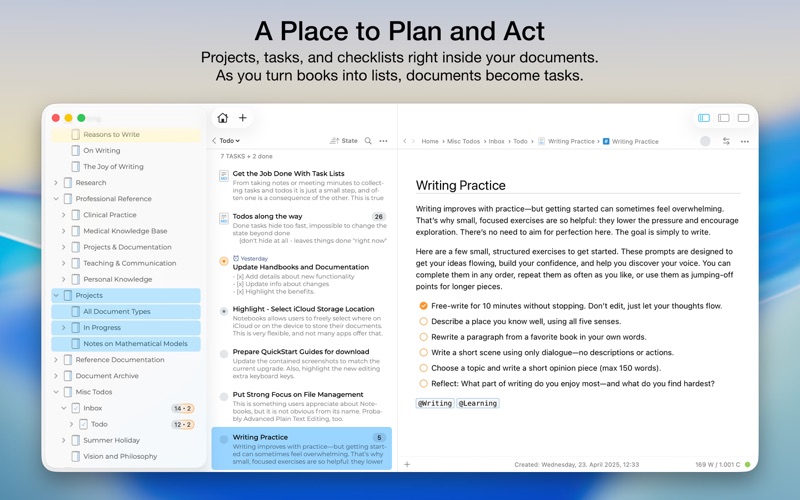
Beyond simple text entry, Notebooks: Write and Organize functions as an organic project manager. You can instantly convert any nested book into a dynamic task list and assign due dates, alerts, or sub-projects. Because task tracking lives alongside your actual research notes, you do not have to jump between separate planner apps to get work done.
Furthermore, the app allows you to construct a personal knowledge graph (or Zettelkasten) using robust wiki-style links and automatic backtracking. If you rename or relocate a document within your folder hierarchy, the links stay intact automatically, keeping your knowledge base perfectly preserved.
Is It Right For You?
If you are tired of subscription-fatigue and want a reliable, offline-first hub to write, plan, and organize your business and personal life, this tool is an exceptional investment. To see how it can streamline your desktop workflow, we invite you to explore the official App Store page for more details on its sync options and features.
Rate the App
User Reviews
Other Apps in This Category

Popular Apps










Editor's Choice